Login to the P2i Main Dashboard
During the organisation registration process, two email notifications are sent to the Supplier Administrator Superuser or Mainuser are two other terms used.
This role is responsible for managing a Funded Organisation's individual user accounts and organisational activity assignments.
Other users may be elevated to be "Administrator" like.. The first email contains the Organisation's registration confirmation and the Supplier Administrator and password. The second contains your activation confirmation and username. Both emails contain a link to the P2i login area.
Superuser or Mainuser are two other terms used.
This role is responsible for managing a Funded Organisation's individual user accounts and organisational activity assignments.
Other users may be elevated to be "Administrator" like.. The first email contains the Organisation's registration confirmation and the Supplier Administrator and password. The second contains your activation confirmation and username. Both emails contain a link to the P2i login area.
Similar emails are sent when a Supplier Administrator creates a user for the Organisation.
Tip If email notifications have not been received, please check the junk mail folder.
To login to P2i's Main Dashboard:
-
Access the P2i login service.
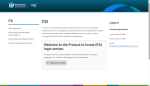
-
Click
 .
.
-
Click
 .
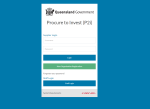
. The Supplier/Staff Login screen displays.
-
Enter your Usernameand Password in the Supplier Login area.
-
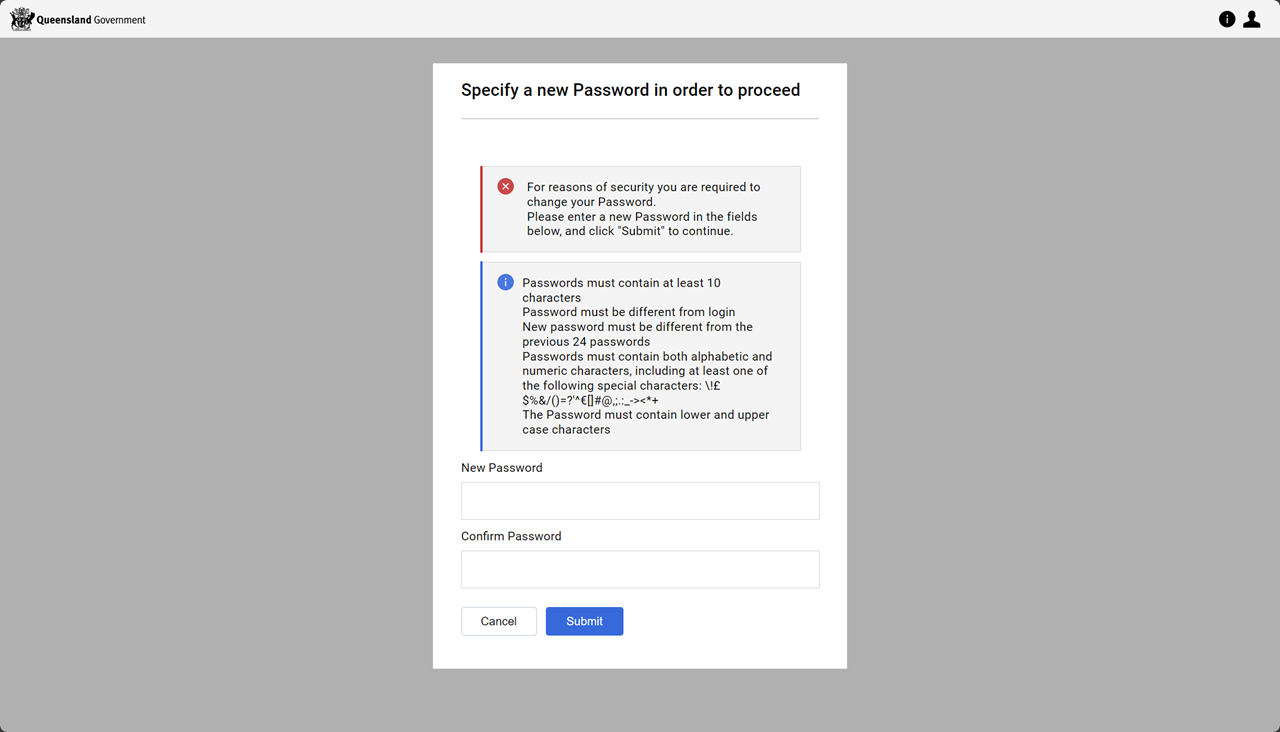
Follow the instructions for creating a new password.
-
Enter the new password and confirm the new password.
-
Click
 .
.A notification email is sent confirming the password change.
-
Click Login.


Tip If you have forgotten your Username or Password, click Forgotten you password?. Refer to Reset a forgotten password.
Note If you are accessing the system for the first time, you are prompted to create a new password to continue.
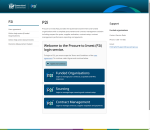
The P2i main dashboard displays.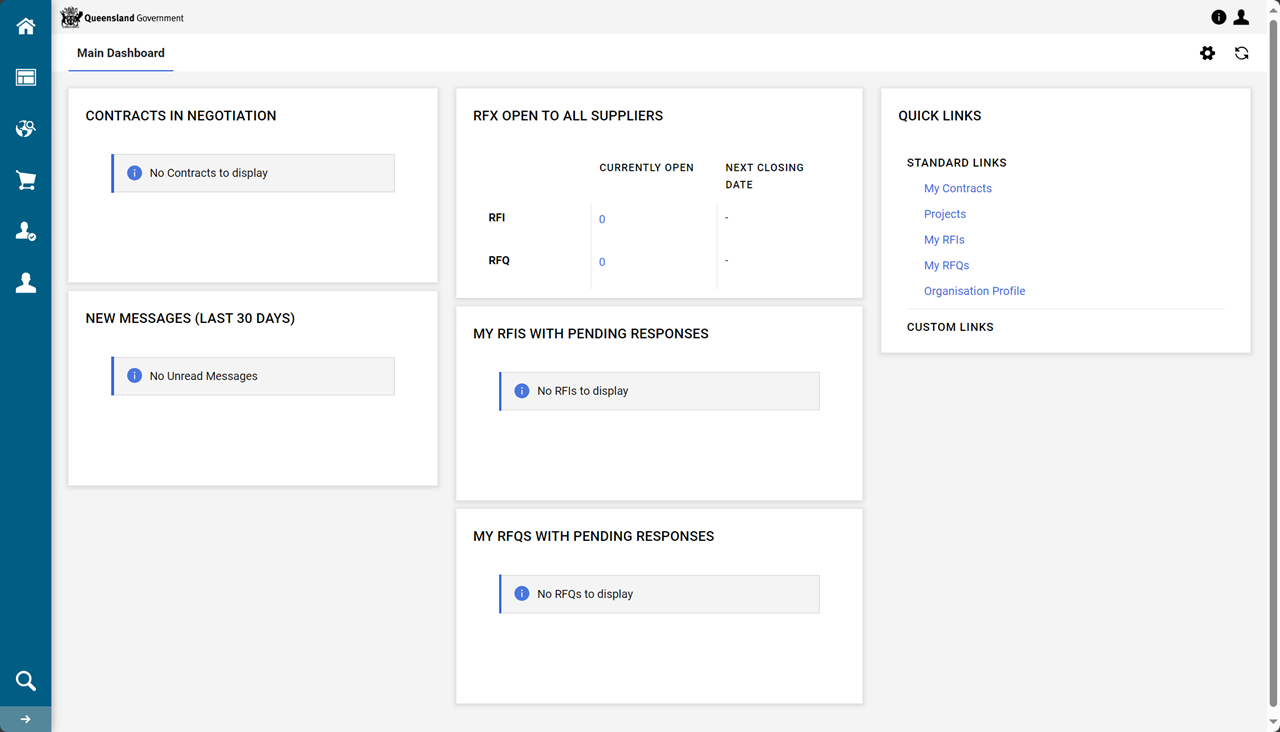
Note The menu options (on the left of the screen) will depend on the access level granted.